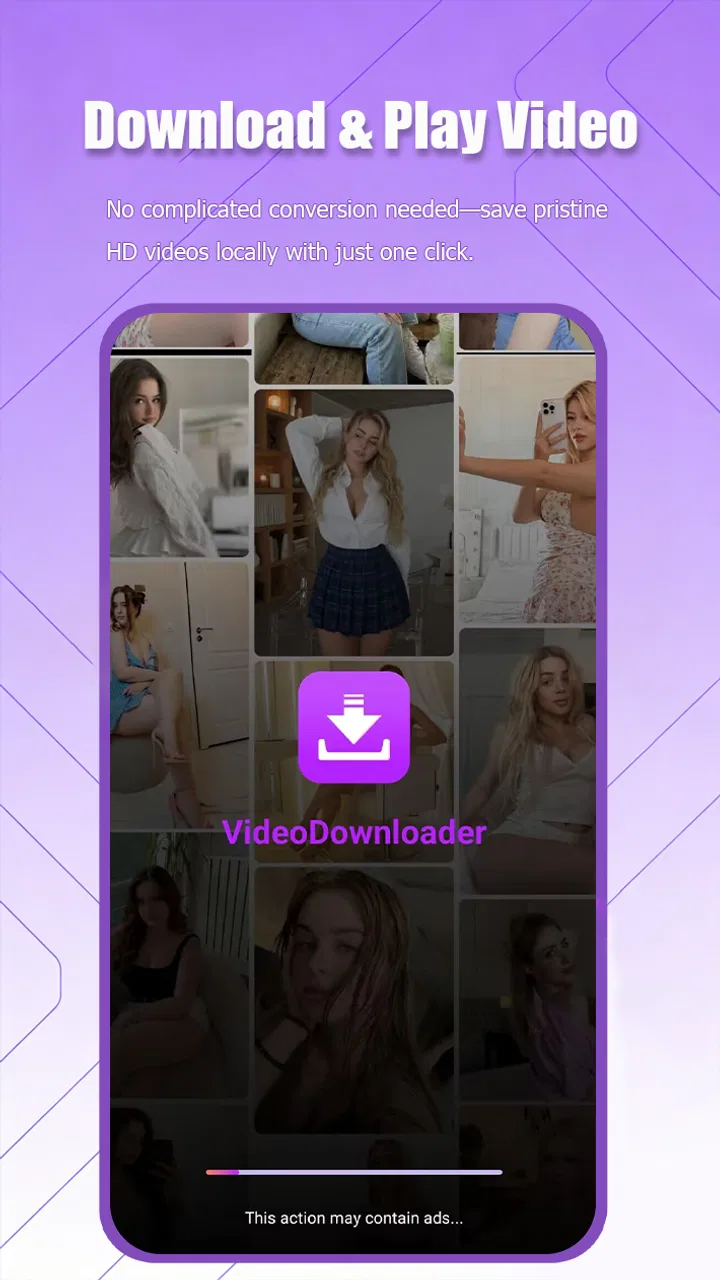
VideoDownloader
- 2.8
- Rating
- 100.00K
- Installs
- Free
- Price

 Analysis by App-foxy
When I first opened VideoDownloader, I understood its appeal immediately: it is aimed at people who want a straightforward way to save videos and watch them in high definition from one place. The app comes from Dituo Technology and sits in the video players and editors category, although its focus is much narrower than a full editing suite. I would approach it as a practical downloader and playback tool, not as an editor for trimming, adding effects, or producing polished social clips.
The store summary calls it a fast video downloader and HD player, and that description gives a useful expectation without promising a complete media-management system. In my experience, the best reason to try it is convenience. Instead of moving between a browser, a file manager, and a separate player, you can use one app as the starting point for getting a video and viewing it afterward. That can be handy when a connection is unreliable or when you want a saved copy available for later personal viewing.
At the same time, I would not treat the word “fast” as a guarantee that every download will be quick. Speed depends on the source, the network, the chosen quality, and whether the source permits saving. The app is a tool for handling supported video sources, not a way around access restrictions. That distinction matters because a first-time user can otherwise mistake a failed download for a problem with the phone.
You May Also Like

 Blood Strike: 2.5 Anniversary
Blood Strike’s Loadouts Turn Every Drop Into a Tactical Gamble
A close look at Blood Strike’s custom loadouts: how fast access to signature weapons reshapes its battle royale rhythm, rewards preparation, and narrows the gap between fights.

 Pandora - Music & Podcasts
Pandora’s Music Is Easy to Start, but Harder to Recover
Pandora’s strength is its low-effort path from a seed to a station. Its weak spot is how much confidence it asks you to place in connection, setup, and quiet recovery.

 8 Ball Pool
 Is Built on Rivalries, Rematches, and Routine
A close look at the rivalries, rematches, shared routines, and unanswered safety questions that turn a quick pool match into a persistent mobile community.

 Samsung Music
’s Quiet Strength Is Playing What You Already Own
Its reach comes less from spectacle than from dependable access to a personal library. That simplicity is both the app’s strongest retention engine and its ceiling.

 AccuWeather: Weather Radar
AccuWeather Review: A Quick, Clear Forecast for Everyday Decisions
For everyday plans, the best forecast is the one you can understand quickly. AccuWeather makes rain timing, radar, and local conditions easy to act on, with a few trade-offs.

 Hill Climb Racing
Why Hill Climb Racing Still Turns Crashes Into One More Run
A tiny car, a bumpy hill and one more upgrade: Hill Climb Racing keeps resurfacing because its simple chaos makes every near-miss feel personal.
More From Our News Desk
View All News


Getting from installation to a useful first download
Before I rely on a downloader, I like to make the first test small and deliberate: choose a permitted clip, check the available storage, and see how the app handles the source before committing to a larger file. That gives me a practical sense of the workflow while keeping the next decision—whether this tool suits my routine—grounded in an actual result.
What the installation tells you
VideoDownloader is free to install, with optional in-app purchases ranging from $0.99 to $9.99 per item. I would begin by using the free experience before spending anything. That gives you a chance to see whether the app fits your particular routine, especially if you only need occasional downloads rather than a regular offline video library.
The app is rated for Everyone and requires Android 8.0 or newer. That makes the compatibility check simple: if your Android phone runs an older system, this is not the right installation to pursue. On a compatible device, I would also make sure there is enough available storage before testing a high-definition file. A download can appear to be a small task, but video storage grows quickly when you keep several large files.
The current version is 1.14. I would still take a moment to look around the opening screen instead of immediately tapping every visible option. For a downloader, the important questions are usually practical: where a source is entered, where a download begins, how progress is shown, and how completed files are opened. Finding those paths first makes the first attempt much less confusing.
Preparing the source before tapping download
My advice for a first attempt is to choose a short, ordinary video from a source you are allowed to save. Copy or enter its address carefully, then look for the app’s recognition or download action. If the app presents a quality choice, I would start with a moderate option rather than the highest available resolution. This is a useful test because it reduces waiting time and storage use while showing whether the source is handled correctly.
This is also where a small but important trade-off appears. High definition can look better on a large screen, but it is not always the most sensible choice for a phone. A lower resolution may be perfectly comfortable for a small display and can make offline viewing more practical. I would reserve the highest setting for videos where fine detail genuinely matters, such as a demonstration, presentation, or footage with small text.
Do not start by queuing several files. A single test download tells you more than a crowded list: whether the source is recognized, whether the selected quality is available, and whether the completed file appears in the player. If that first file works, you can then build a more deliberate routine around the app.
The first meaningful success
A successful first session should end with more than a download notification. I would open the completed file inside the app and play it from beginning to end for a minute or two. Check that the picture is clear enough for your purpose, that the sound is present, and that the file can be found again after leaving the download screen. This simple check catches the most common disappointment: assuming a file is ready when it has only been requested.
For an everyday example, imagine that you are about to travel through an area with weak mobile coverage. Before leaving, you could save a permitted instructional video, open it in the built-in HD player, and confirm that it plays while the connection is unavailable. The useful workflow is not merely “download and forget.” It is download, verify playback, then keep only the files you actually intend to watch.
I also recommend giving saved videos sensible names when the app or the device allows it. A list filled with vague filenames becomes difficult to search later. If renaming is not available within the app, keeping your downloads limited and opening them soon after saving is a better strategy than treating VideoDownloader as a complete library organizer.
Why the first attempt may feel less automatic than expected
People often expect a video downloader to accept every address and produce a file instantly. In practice, the source matters. Some pages are designed for streaming rather than direct file retrieval, some require an account, and some protect their content from downloading. When a source does not work, I would test a different permitted video rather than repeatedly pressing the same button.
Another point of confusion is the difference between playing a video online and having a local copy. A video that opens in a player is not necessarily stored for offline use. The meaningful test is to disconnect from the network, return to the completed item, and start playback. Doing that before a trip or commute is far safer than discovering the issue when you need the video.
Quality labels can also mislead new users. “HD” describes visual quality, not guaranteed performance on every phone or network. A large high-definition file may take longer to save and use more storage, while a smaller file may be the better choice for casual viewing. I see this as one of the app’s key decisions: convenience comes from choosing the right quality, not automatically choosing the maximum one.
Handling storage like a practical user
I would treat storage as part of the download process. After watching a file, decide whether it is worth keeping. This habit is particularly important on phones with limited space, because video files can quietly become the largest items on the device. A short cleanup session every few days is more manageable than waiting until the phone reports that it is nearly full.
There is also a privacy angle to think about in ordinary terms. Saved videos may appear alongside other personal media, so I would avoid downloading sensitive material to a shared device and would be cautious when using public or borrowed phones. The app’s usefulness depends on having the file available, but availability also means the file remains on the device until you remove it.
For people who regularly move videos between devices, I would not assume that VideoDownloader replaces a complete file-transfer workflow. The sensible approach is to confirm where the app stores completed items and whether your usual gallery or file manager can see them. If your main goal is editing, organizing a large collection, or synchronizing across several devices, a dedicated media-management tool may serve you better.
How it compares with the usual alternatives
Compared with saving a video through a browser, a dedicated downloader can feel more focused because the task is separated from general web browsing. The advantage is a clearer path from source to playback. The compromise is that a specialized app may be less useful when you need broad browsing, account-based access, or advanced handling of unusual web pages.
Compared with an official platform’s own offline feature, VideoDownloader may appeal to someone who wants a separate local file and a simple player. However, official offline tools are often the more predictable choice when content is tied to a service, subscription, or account. They may manage rights and playback more smoothly, whereas a standalone downloader depends more heavily on what the source permits.
Compared with a full video editor, this app is intentionally limited in a useful way. If you only want to save and watch a clip, an editor can feel unnecessarily complicated. If you need cuts, captions, transitions, audio mixing, or export controls, VideoDownloader is not the tool I would choose. Its strength is the short path between obtaining a video and viewing it, not creative production.
The average rating is 2.8 from around three dozen ratings, while the app has received several written reviews. I would read that signal as a reason to keep expectations measured rather than as an automatic rejection. With a relatively small pool of feedback, your experience may depend heavily on the sources you use and the kind of phone you have. I would test the exact workflow you need before relying on it for an important trip or repeated work task.
Who will get the most from it
I think VideoDownloader is best suited to a first-time user who wants a focused way to save permitted videos and play them later without learning a large editing application. It can also suit someone who watches instructional material, travel information, or personal clips in places where connectivity is inconsistent. The free entry point makes experimentation easy, provided you begin with one small test rather than a large batch.
It is less suitable for someone who expects universal compatibility, automatic organization, or professional editing features. I would also steer away from it if your main need is streaming-service offline viewing tied to an account; the official app for that service is usually the cleaner route. Likewise, users who need detailed download scheduling, extensive file conversion, or cross-device synchronization should look for a tool built specifically around those functions.
One non-obvious advantage is that the app encourages a useful separation between acquisition and playback. You can make the download decision first, then judge the result in the HD player before committing to keep it. That is more efficient than discovering after a long journey that a file is incomplete, too large, or visually unsuitable. The trade-off is that this workflow requires a little discipline from the user; it is not a substitute for checking files personally.
A sensible routine after the first success
Once the first video works, I would create a simple routine: use a permitted source, select a quality that matches the screen and available storage, wait for completion, verify playback, and remove the file when it no longer has value. This sequence sounds basic, but it prevents most of the frustration associated with offline video. It also keeps the app from becoming a cluttered storage bin.
If you are preparing for a specific day without reliable connectivity, test the entire routine beforehand. Save the video while you still have a stable connection, close the app, switch off connectivity, and play the file again. That practical rehearsal answers the questions that matter most: can you find the saved item, does it play locally, and is the selected quality acceptable?
My overall view is cautiously positive for the right audience. VideoDownloader has a clear purpose, a free starting point, and a direct relationship between downloading and watching. It is not a universal answer for every online video, and it should not be mistaken for an editor or a full media library. Still, if your need is modest and specific, the best experience comes from treating it as a focused offline-video tool rather than expecting it to replace every other video app.
After trying it, I would keep it installed only if its source handling matches the videos you actually use. The app has passed the most important first-time test when you can save one permitted clip, find it again, play it without relying on the network, and understand where it fits in your storage habits. For that narrow but common job, Dituo Technology’s app is worth a careful trial; for more advanced media work, the usual dedicated alternatives remain the better choice.
FAQs for VideoDownloader
01What is VideoDownloader and what can I use it for?
VideoDownloader is an app designed to help users save online videos to their mobile device for later viewing. Depending on the supported website and the app version, you may be able to download videos in different resolutions or formats. It is especially useful when you want to watch content without an internet connection, reduce streaming interruptions, or keep videos available while traveling.
02How do I download a video with VideoDownloader?
The usual process is straightforward: copy the link to a supported video, open VideoDownloader, paste the URL into the download field, and choose the available quality or format. After confirming, the download appears in the app’s queue or download folder. The exact steps can vary between Android and iOS, and some platforms may require sharing the video link directly with the app.
03Is VideoDownloader free to use, and are there advertisements?
VideoDownloader may be available as a free download, but the free experience can include advertising, usage limits, or restrictions on certain download qualities. Some versions may offer optional premium features through in-app purchases, such as an ad-free interface, faster downloads, or additional format options. Check the current store listing before installing because pricing and included features can change.
04Which websites and video formats are supported by VideoDownloader?
Support depends on the specific version of VideoDownloader and the services it is permitted to access. Common video formats may include MP4, while available resolutions can range from standard definition to higher quality when the original source provides them. Not every website works with the app, and private, protected, livestream, or subscription-only content may be unavailable for download.
05Is it legal and safe to download videos with VideoDownloader?
The app itself may be safe to install when downloaded from the official Google Play Store or Apple App Store, but users should still review permissions, privacy information, and developer details. Downloading a video is only appropriate when you have permission or the platform allows offline saving. Respect copyright, terms of service, and personal privacy, and avoid downloading or redistributing protected content without authorization.
Pros
- Downloads videos for offline viewing with a simple interface.
- Supports multiple video formats and quality options.
- Built-in browser makes finding downloadable videos convenient.
- Download progress can be monitored and managed easily.
- Useful for saving content when internet access is limited.
Cons
- Some websites may block downloads or stop working after updates.
- Free version may include frequent advertisements.
- High-resolution downloads can use significant storage space.
- Downloading copyrighted content may violate local laws or platform rules.
- Background downloads may drain battery on older devices.

VideoDownloader
Gallery